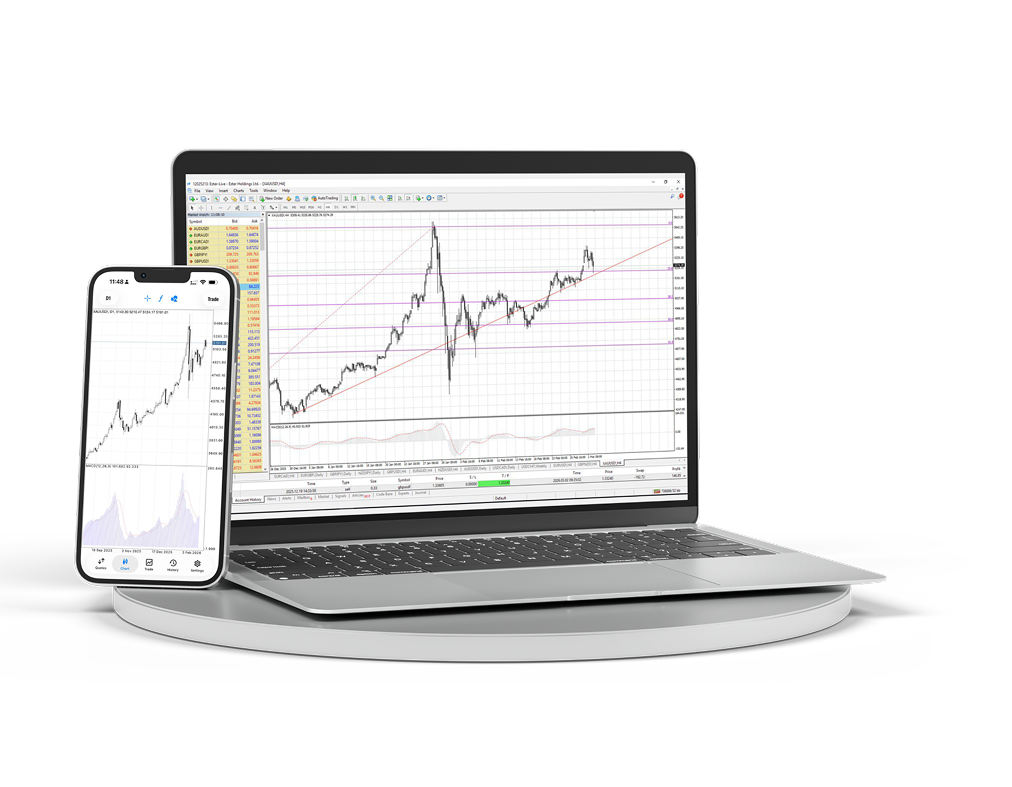
MT4 Desktop & Mobile
Laden Sie das Desktop- und Mobilterminal herunter und verwalten Sie Charts, Orders und Analysen in einem Arbeitsbereich.
- Windows-Terminal
- iOS und Android
- Erweiterte Charts
- Schneller Orderzugriff
- Expert Advisors
- Live-Charts
Vollständiger MetaTrader 4 Arbeitsplatz auf Ihrem Computer
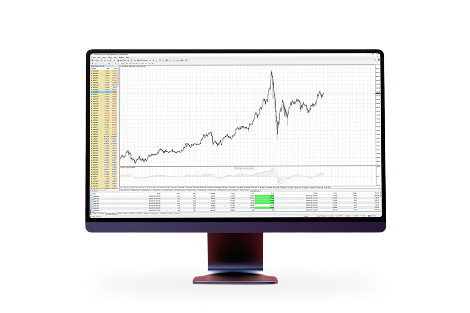
Nutzen Sie mehrere Chartfenster, Indikatoren, Expert Advisors und detaillierte Orderverwaltung für einen vollständigen Trading-Arbeitsplatz.
Marktzugang, wo immer Sie sind
Behalten Sie Positionen, Kurse und Charts im Blick und bleiben Sie auch außerhalb Ihres Arbeitsplatzes mit Ihrem Konto verbunden.
Ein vertrauter Arbeitsplatz für aktives Trading
Denn MetaTrader 4 ist:MetaTrader 4 ist die beliebteste Handelsplattform der Welt. Dank langjähriger Erfahrung mit dieser Plattform und aktiver Beteiligung an ihrer Entwicklung bieten wir Ihnen profitable und komfortable Bedingungen.

Einfache und verständliche Oberfläche mit vielen Werkzeugen der technischen Analyse

Trading von Smartphones, iPads und PDAs aus möglich

Integrierte Programmiersprache MQL4 zum Erstellen eigener Handelsberater und Indikatoren

Zugang zu Interbank-Liquidität über MT4 Bridge und Ausführung ohne Requotes (No Dealing Desk)
MetaTrader 4 unter macOS installieren
Die macOS-Version wird wie eine normale Anwendung installiert: Archiv herunterladen, Installationspaket öffnen und das Terminal aus Applications starten.
Laden Sie das MetaTrader 4 Paket für macOS herunter.
Öffnen Sie das heruntergeladene Archiv und starten Sie das Installationspaket.
Folgen Sie den Installationsschritten und verschieben oder starten Sie MetaTrader 4 anschließend aus Applications.
Öffnen Sie das Terminal und verbinden Sie sich mit Ihrem Ester Holdings Handelskonto.
