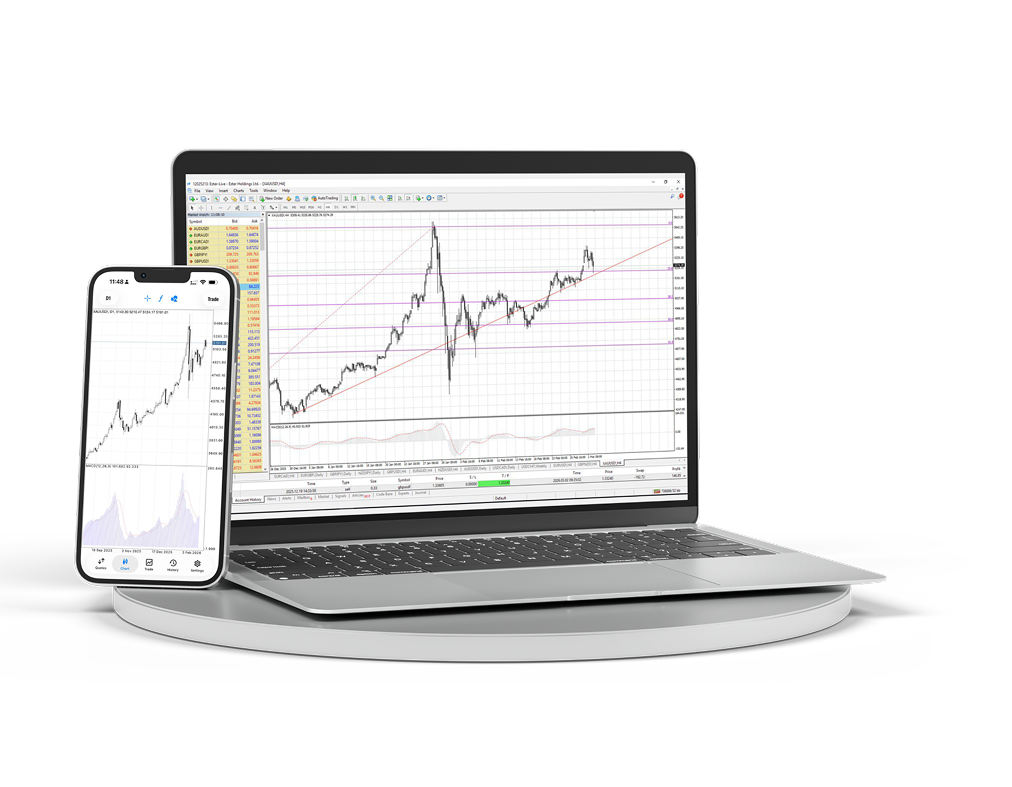
MT4 Desktop & Mobile
Download the desktop and mobile terminal and manage charts, orders and analytics from one workspace.
- Windows terminal
- iOS and Android
- Advanced charts
- Fast order access
- Expert Advisors
- Live charts
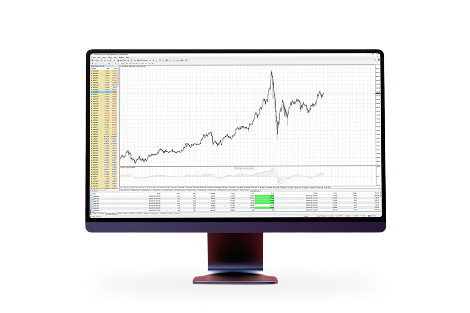
Full MetaTrader 4 workspace on your computer
Use multi-window charts, indicators, advisors and detailed order management when you need a complete trading desk.
Market access wherever you are
Keep positions, quotes and charts within reach while staying connected to your account outside the desk.
A familiar workspace for active trading
Because MetaTrader 4 is:MetaTrader 4 is the most popular trading platform in the world. Thanks to many years' experience of work with this platform and active participation in its development, we provide you with the most profitable and comfortable conditions.

Easy and understandable interface with a variety of tools of technical analysis

Opportunity to trade from smart phones, Ipads and PDAs

Built-in programming language MQL4, allowing to create own trade advisors and indicators

Access to interbank liquidity with the help of the technology MT4 Bridge, execution without re-quotes (No Dealing Desk)
Install MetaTrader 4 on macOS
The macOS version is installed like a regular application: download the archive, open the installer package and start the terminal from Applications.
Download the MetaTrader 4 package for macOS.
Open the downloaded archive and run the installation package.
Follow the installer steps, then move or launch MetaTrader 4 from Applications.
Open the terminal and connect to your Ester Holdings trading account.
