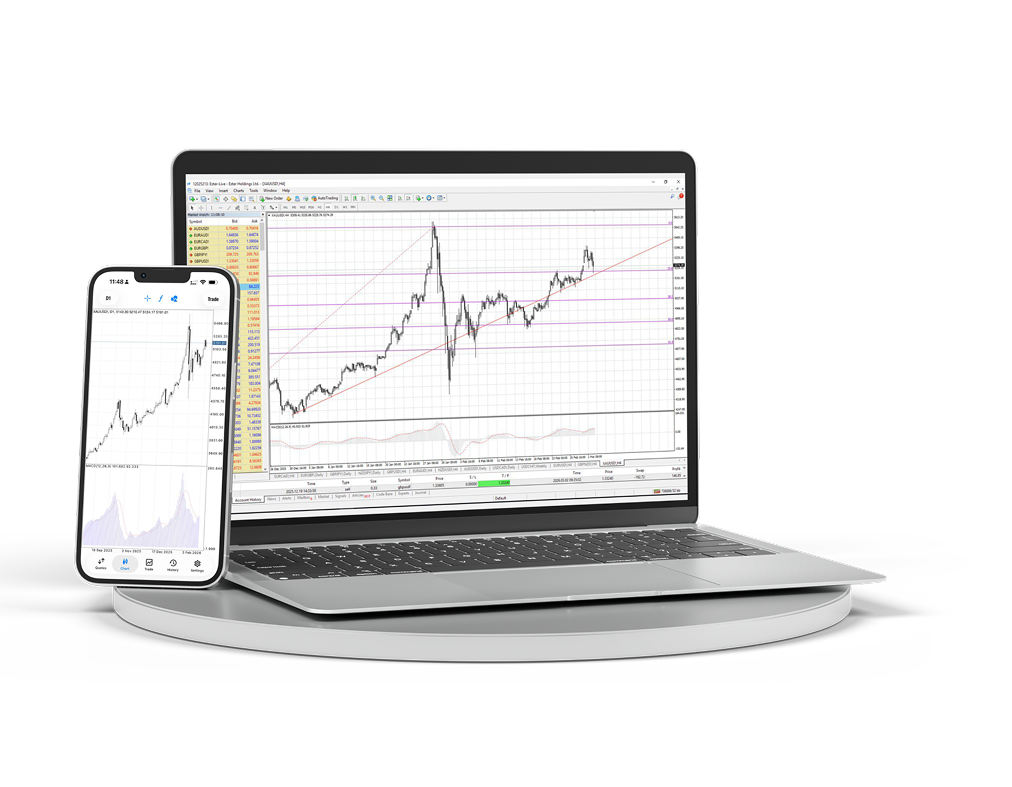
MT4 Desktop & Mobile
डेस्कटॉप और मोबाइल टर्मिनल डाउनलोड करें और चार्ट, ऑर्डर व एनालिटिक्स को एक ही वर्कस्पेस से प्रबंधित करें।
- Windows टर्मिनल
- iOS और Android
- उन्नत चार्ट
- तेज ऑर्डर एक्सेस
- Expert Advisors
- लाइव चार्ट
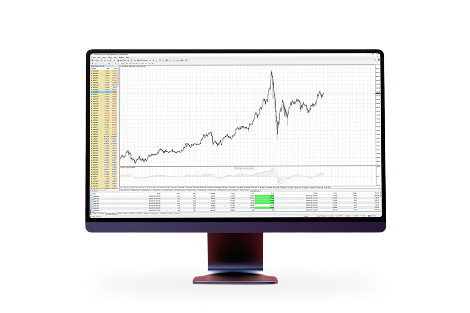
आपके कंप्यूटर पर पूरा MetaTrader 4 वर्कस्पेस
पूर्ण ट्रेडिंग डेस्क की जरूरत होने पर मल्टी-विंडो चार्ट, इंडिकेटर, एडवाइजर और विस्तृत ऑर्डर प्रबंधन का उपयोग करें।
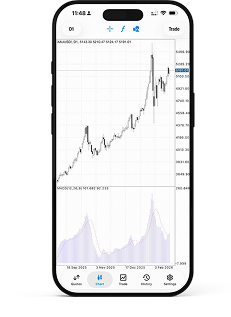
जहां भी हों, बाजार तक पहुंच
डेस्क से दूर रहते हुए भी पोजिशन, कोट और चार्ट को पास रखें और अपने खाते से जुड़े रहें।
सक्रिय ट्रेडिंग के लिए परिचित वर्कस्पेस
क्योंकि MetaTrader 4 है:MetaTrader 4 दुनिया का सबसे लोकप्रिय ट्रेडिंग प्लेटफॉर्म है। इस प्लेटफॉर्म के साथ कई वर्षों के अनुभव और इसके विकास में सक्रिय भागीदारी के कारण हम आपको लाभदायक और सुविधाजनक स्थितियां प्रदान करते हैं।

तकनीकी विश्लेषण के अनेक उपकरणों के साथ सरल और समझने योग्य इंटरफेस

स्मार्टफोन, iPad और PDA से ट्रेड करने की सुविधा

अपने ट्रेड एडवाइजर और इंडिकेटर बनाने के लिए अंतर्निहित MQL4 प्रोग्रामिंग भाषा

MT4 Bridge तकनीक की मदद से इंटरबैंक लिक्विडिटी तक पहुंच और बिना requotes के निष्पादन (No Dealing Desk)
macOS पर MetaTrader 4 इंस्टॉल करें
macOS संस्करण सामान्य एप्लिकेशन की तरह इंस्टॉल होता है: आर्काइव डाउनलोड करें, इंस्टॉलर पैकेज खोलें और Applications से टर्मिनल शुरू करें।
macOS के लिए MetaTrader 4 पैकेज डाउनलोड करें।
डाउनलोड किया गया आर्काइव खोलें और इंस्टॉलेशन पैकेज चलाएं।
इंस्टॉलर के चरण पूरे करें, फिर MetaTrader 4 को Applications से मूव या लॉन्च करें।
टर्मिनल खोलें और अपने Ester Holdings ट्रेडिंग खाते से कनेक्ट करें।
