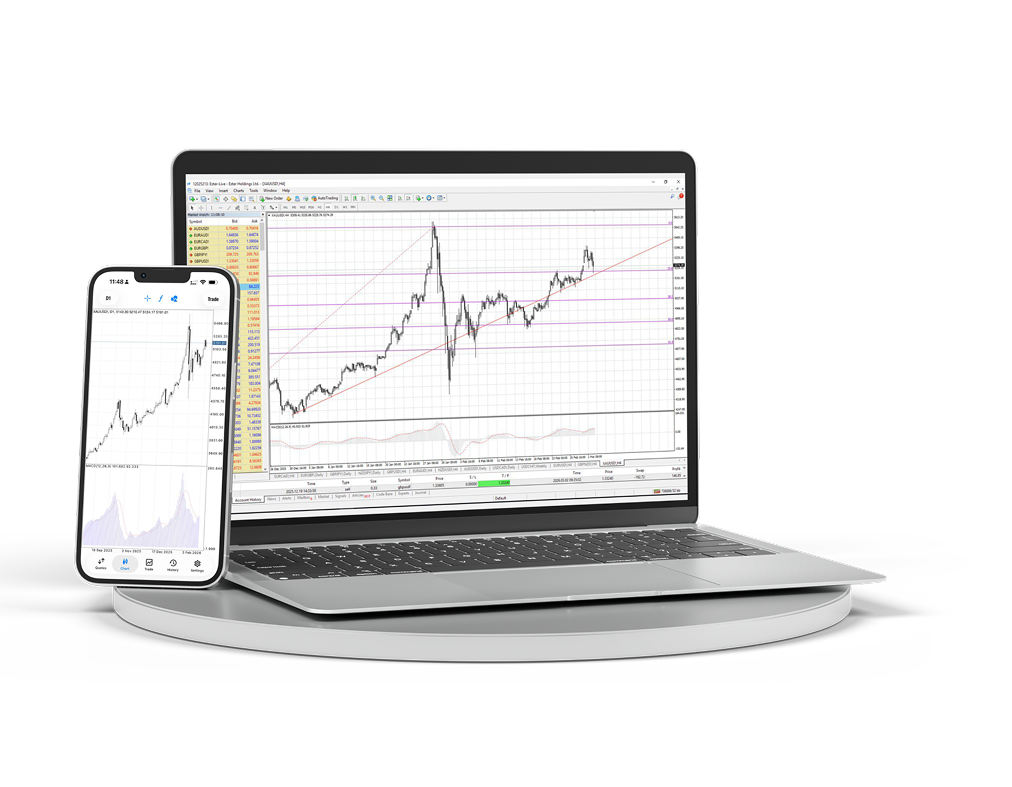
MT4 Desktop & Mobile
デスクトップ版とモバイル版のターミナルをダウンロードし、チャート、注文、分析を1つのワークスペースで管理できます。
- Windows ターミナル
- iOS と Android
- 高度なチャート
- 素早い注文アクセス
- Expert Advisors
- ライブチャート
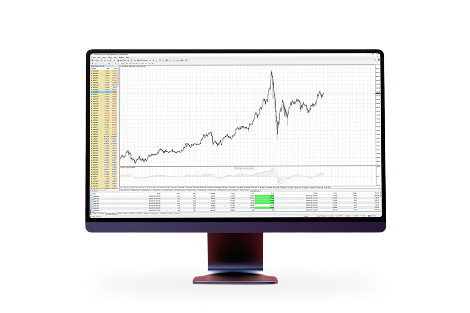
コンピューター上の完全な MetaTrader 4 ワークスペース
本格的なトレーディング環境が必要なときに、マルチウィンドウチャート、インジケーター、アドバイザー、詳細な注文管理を利用できます。
プラットフォームについて
アクティブトレードに慣れたワークスペース
MetaTrader 4 が選ばれる理由:MetaTrader 4 は世界で最も人気のある取引プラットフォームです。このプラットフォームでの長年の経験と開発への積極的な参加により、収益性と快適性を兼ね備えた条件を提供します。

豊富なテクニカル分析ツールを備えた、シンプルで分かりやすいインターフェース

スマートフォン、iPad、PDA から取引可能

独自のトレードアドバイザーやインジケーターを作成できる内蔵プログラミング言語 MQL4

MT4 Bridge 技術によるインターバンク流動性へのアクセスと、リクオートなしの約定 (No Dealing Desk)
macOS に MetaTrader 4 をインストール
macOS 版は通常のアプリケーションと同じようにインストールできます。アーカイブをダウンロードし、インストーラーパッケージを開き、Applications からターミナルを起動してください。
macOS 用 MetaTrader 4 パッケージをダウンロードします。
ダウンロードしたアーカイブを開き、インストールパッケージを実行します。
インストーラーの手順に従い、その後 Applications から MetaTrader 4 を移動または起動します。
ターミナルを開き、Ester Holdings の取引口座に接続します。
