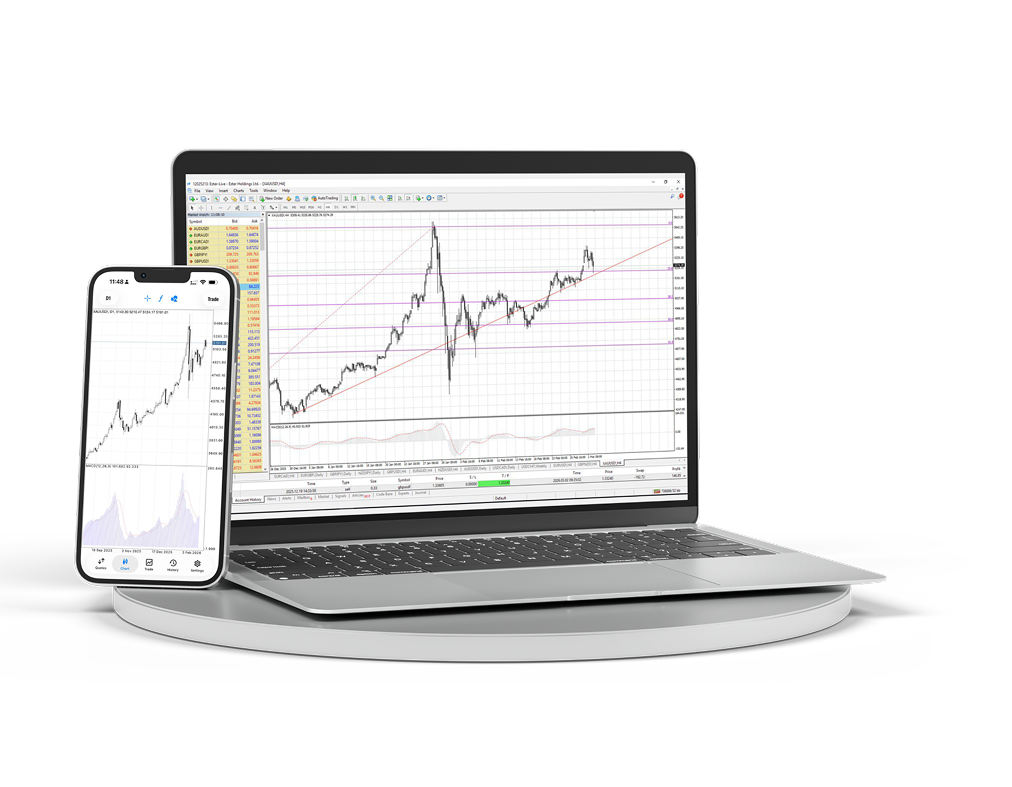
MT4 Desktop & Mobile
데스크톱 및 모바일 터미널을 다운로드하고 차트, 주문, 분석을 하나의 작업 공간에서 관리하세요.
- Windows 터미널
- iOS 및 Android
- 고급 차트
- 빠른 주문 접근
- Expert Advisors
- 라이브 차트
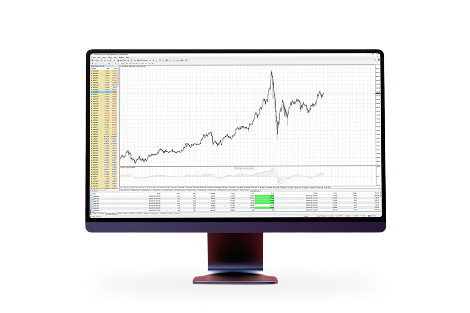
컴퓨터에서 사용하는 완전한 MetaTrader 4 작업 공간
완전한 트레이딩 데스크가 필요할 때 다중 창 차트, 지표, 어드바이저 및 세부 주문 관리를 사용하세요.
플랫폼 소개
활발한 트레이딩을 위한 익숙한 작업 공간
MetaTrader 4는 다음과 같습니다:MetaTrader 4는 세계에서 가장 인기 있는 거래 플랫폼입니다. 이 플랫폼에 대한 오랜 경험과 개발 참여를 바탕으로 수익성 있고 편안한 조건을 제공합니다.

다양한 기술적 분석 도구를 갖춘 쉽고 이해하기 쉬운 인터페이스

스마트폰, iPad 및 PDA에서 거래 가능

자신만의 트레이드 어드바이저와 지표를 만들 수 있는 내장 MQL4 프로그래밍 언어

MT4 Bridge 기술을 통한 은행 간 유동성 접근과 재호가 없는 체결 (No Dealing Desk)
macOS에 MetaTrader 4 설치
macOS 버전은 일반 애플리케이션처럼 설치됩니다. 아카이브를 다운로드하고 설치 패키지를 연 다음 Applications에서 터미널을 실행하세요.
macOS용 MetaTrader 4 패키지를 다운로드합니다.
다운로드한 아카이브를 열고 설치 패키지를 실행합니다.
설치 단계에 따라 진행한 뒤 Applications에서 MetaTrader 4를 이동하거나 실행합니다.
터미널을 열고 Ester Holdings 거래 계정에 연결합니다.
