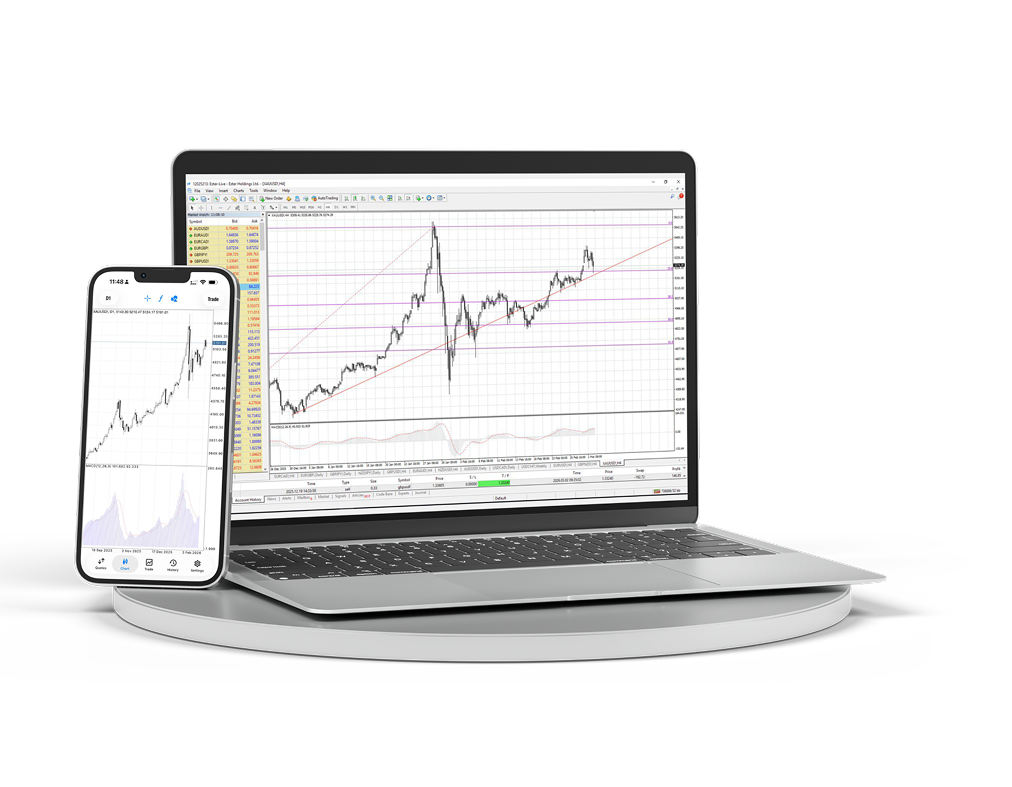
MT4 Desktop & Mobile
Masaüstü ve mobil terminali indirin; grafikleri, emirleri ve analizleri tek çalışma alanından yönetin.
- Windows terminali
- iOS ve Android
- Gelişmiş grafikler
- Hızlı emir erişimi
- Expert Advisors
- Canlı grafikler
Bilgisayarınızda tam MetaTrader 4 çalışma alanı
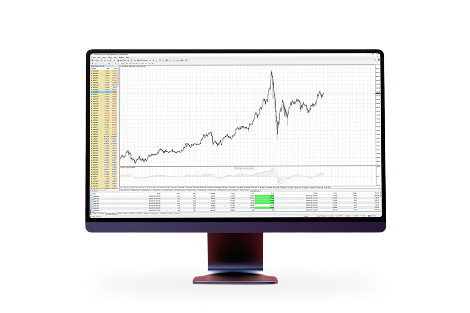
Tam bir trading masasına ihtiyaç duyduğunuzda çok pencereli grafikler, göstergeler, danışmanlar ve ayrıntılı emir yönetimi kullanın.
Nerede olursanız olun piyasaya erişim
Pozisyonları, kotasyonları ve grafikleri elinizin altında tutun; masanız dışında da hesabınıza bağlı kalın.
Aktif trading için tanıdık bir çalışma alanı
Çünkü MetaTrader 4:MetaTrader 4 dünyanın en popüler işlem platformudur. Bu platformla uzun yıllara dayanan deneyimimiz ve geliştirilmesine aktif katılımımız sayesinde size karlı ve rahat koşullar sunuyoruz.

Çeşitli teknik analiz araçlarına sahip sade ve anlaşılır arayüz

Akıllı telefonlar, iPad'ler ve PDA'lardan işlem yapma imkanı

Kendi işlem danışmanlarınızı ve göstergelerinizi oluşturmak için yerleşik MQL4 programlama dili

MT4 Bridge ile bankalararası likiditeye erişim ve requote olmadan emir yürütme (No Dealing Desk)
MetaTrader 4'ü macOS'a kurun
macOS sürümü normal bir uygulama gibi kurulur: arşivi indirin, kurulum paketini açın ve terminali Applications içinden başlatın.
macOS için MetaTrader 4 paketini indirin.
İndirilen arşivi açın ve kurulum paketini çalıştırın.
Kurulum adımlarını izleyin, ardından MetaTrader 4'ü Applications içinden taşıyın veya başlatın.
Terminali açın ve Ester Holdings işlem hesabınıza bağlanın.
