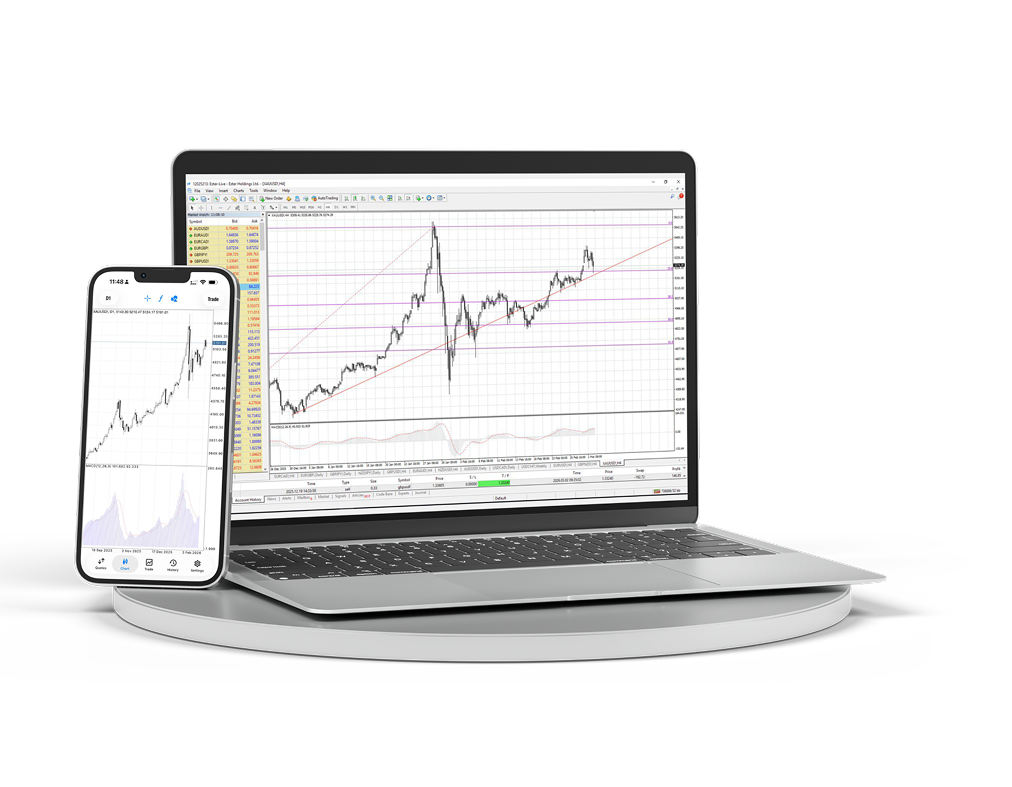
MT4 Desktop & Mobile
下载桌面端和移动端交易终端,在一个工作空间中管理图表、订单和分析。
- Windows 终端
- iOS 和 Android
- 高级图表
- 快速订单访问
- Expert Advisors
- 实时图表
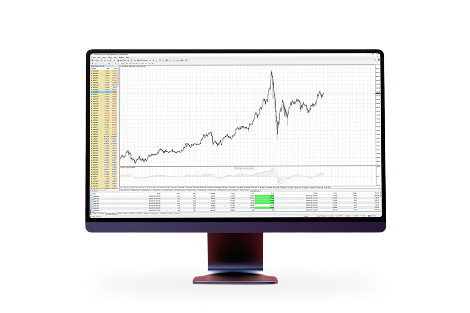
关于平台
适合活跃交易的熟悉工作空间
因为 MetaTrader 4 是:MetaTrader 4 是全球最受欢迎的交易平台。凭借多年使用该平台的经验以及对其开发的积极参与,我们为您提供有利且舒适的交易条件。

简单易懂的界面,配备多种技术分析工具

可通过智能手机、iPad 和 PDA 进行交易

内置 MQL4 编程语言,可创建自己的交易顾问和指标

通过 MT4 Bridge 技术接入银行间流动性,并实现无重新报价执行 (No Dealing Desk)
在 macOS 上安装 MetaTrader 4
macOS 版本可像普通应用一样安装:下载压缩包,打开安装包,然后从 Applications 启动终端。
下载适用于 macOS 的 MetaTrader 4 安装包。
打开下载的压缩包并运行安装包。
按照安装程序步骤操作,然后从 Applications 移动或启动 MetaTrader 4。
打开终端并连接到您的 Ester Holdings 交易账户。
