Rechargement du compte
Alimentez un compte de trading depuis le cabinet avec les méthodes crypto prises en charge. La règle reste la même : Ester ne facture pas de commission de dépôt, mais des frais de réseau blockchain peuvent s'appliquer.
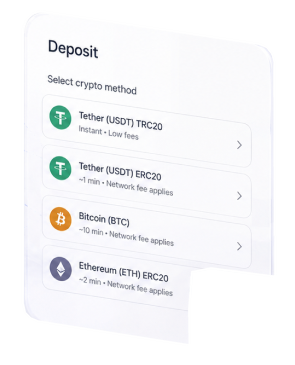
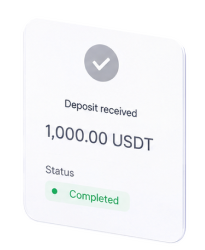
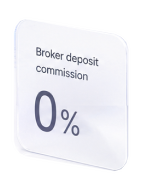




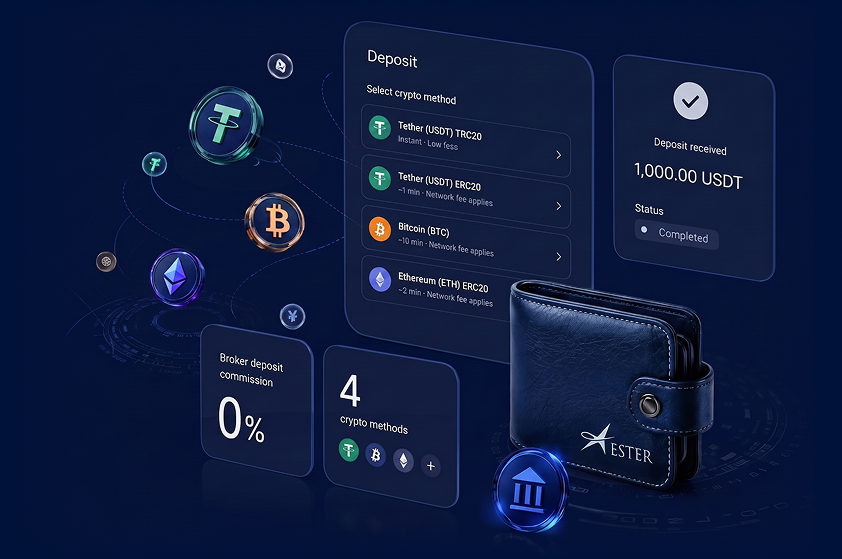
- 0% de commission broker
- 4 méthodes crypto
- Statut dans le cabinet


Commission broker
Les dépôts sont acceptés sans commission broker Ester ; les frais réseau dépendent de la blockchain choisie.

Montant minimum
Le minimum standard est affiché dans le cabinet ; l'USDC peut commencer à partir de 3 USD dans le formulaire actuel.

Vérification rapide
Les données de profil et le statut de conformité peuvent déterminer si une revue financière est requise avant le crédit.
Utilisez uniquement les méthodes crypto présentes dans le cabinet
La page de paiement génère la facture exacte, le montant et les instructions réseau. N'envoyez pas de fonds via un autre réseau.
USDT TRC-20
- Réseau:
- TRON / TRC20
- Actif:
- USDT
- Crédit:
- Après confirmation blockchain et revue de la facture
 Réseau:
  Actif:
  Crédit:
 Utilisez uniquement un wallet TRC20 et l'adresse générée dans le cabinet.
USDT ERC-20
- Réseau:
- Ethereum / ERC20
- Actif:
- USDT
- Crédit:
- Après confirmation blockchain et revue de la facture
Les transferts ERC20 doivent être envoyés uniquement à l'adresse Ethereum de la facture.
USDC
- Réseau:
- Réseau indiqué sur la facture
- Actif:
- USDC
- Crédit:
- Après confirmation blockchain et revue de la facture
Suivez exactement la page de paiement ; le réseau USDC actif est défini par le cabinet.
BTC
- Réseau:
- Bitcoin
- Actif:
- BTC
- Crédit:
- Après confirmations Bitcoin et revue de la facture
Envoyez le BTC uniquement à l'adresse Bitcoin générée.
Du solde vide aux fonds crédités
Le dépôt est créé par le client dans le cabinet ; le transfert blockchain est ensuite rapproché de la facture et du solde de trading.
- 1
Créer ou ouvrir le cabinet
Ouvrez le cabinet client, choisissez le compte de trading et vérifiez les données du profil.
- 2
Choisir une méthode crypto
Sélectionnez USDT TRC-20, USDT ERC-20, USDC ou BTC et saisissez le montant en USD.
- 3
Ouvrir la facture générée
Le cabinet crée une page de paiement avec l'adresse wallet exacte, le réseau et les instructions de montant.
- 4
Envoyer le transfert
Transférez les fonds depuis votre wallet et gardez le hash de transaction jusqu'au crédit.
- 5
Attendre le crédit
Après confirmation réseau et contrôles financiers, le statut du dépôt se met à jour dans le cabinet.
Un transfert envoyé via le mauvais réseau peut être retardé ou perdu.
Les frais blockchain sont payés dans le réseau sélectionné et ne sont pas contrôlés par Ester.
Une revue financière peut être requise selon le statut du compte, le montant ou les contrôles de conformité.
Conservez le hash de transaction et la confirmation de paiement jusqu'à la mise à jour du solde.