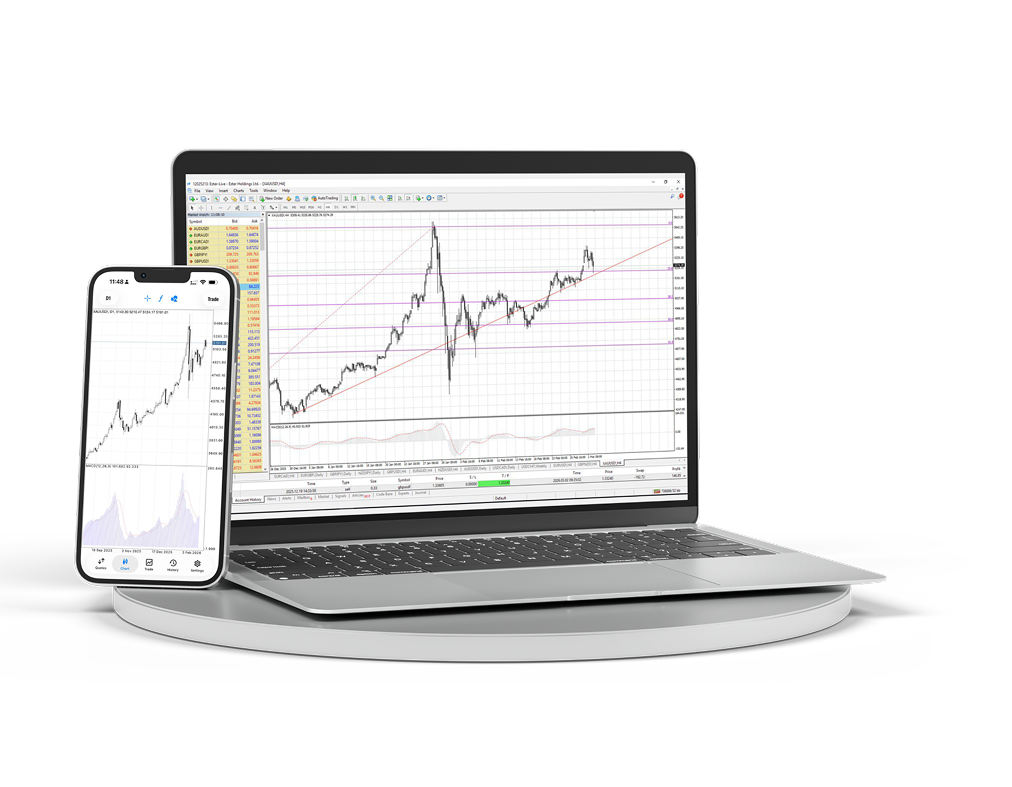
MT4 Desktop & Mobile
Téléchargez le terminal desktop et mobile et gérez graphiques, ordres et analyses depuis un seul espace de travail.
- Terminal Windows
- iOS et Android
- Graphiques avancés
- Accès rapide aux ordres
- Expert Advisors
- Graphiques en direct
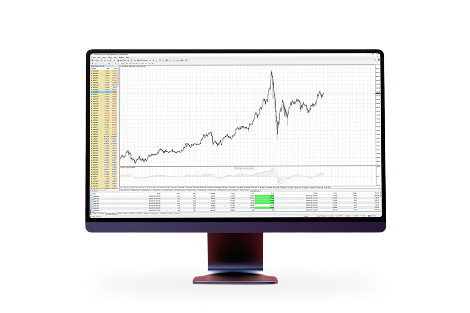
Espace de travail MetaTrader 4 complet sur votre ordinateur
Utilisez des graphiques multi-fenêtres, des indicateurs, des advisors et une gestion détaillée des ordres pour un poste de trading complet.
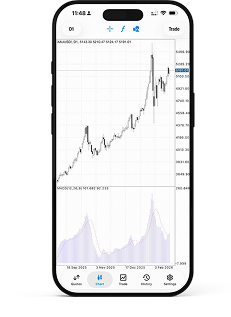
Accès au marché où que vous soyez
Gardez positions, cotations et graphiques à portée de main tout en restant connecté à votre compte hors du bureau.
Un espace familier pour le trading actif
Parce que MetaTrader 4 est :MetaTrader 4 est la plateforme de trading la plus populaire au monde. Grâce à de nombreuses années d'expérience avec cette plateforme et à une participation active à son développement, nous vous offrons des conditions rentables et confortables.

Interface simple et intuitive avec une variété d'outils d'analyse technique

Possibilité de trader depuis smartphones, iPads et PDAs

Langage de programmation intégré MQL4 pour créer vos propres advisors et indicateurs

Accès à la liquidité interbancaire via MT4 Bridge et exécution sans recotation (No Dealing Desk)
Installer MetaTrader 4 sur macOS
La version macOS s'installe comme une application classique : téléchargez l'archive, ouvrez le package d'installation et lancez le terminal depuis Applications.
Téléchargez le package MetaTrader 4 pour macOS.
Ouvrez l'archive téléchargée et exécutez le package d'installation.
Suivez les étapes de l'installateur, puis déplacez ou lancez MetaTrader 4 depuis Applications.
Ouvrez le terminal et connectez-vous à votre compte de trading Ester Holdings.
