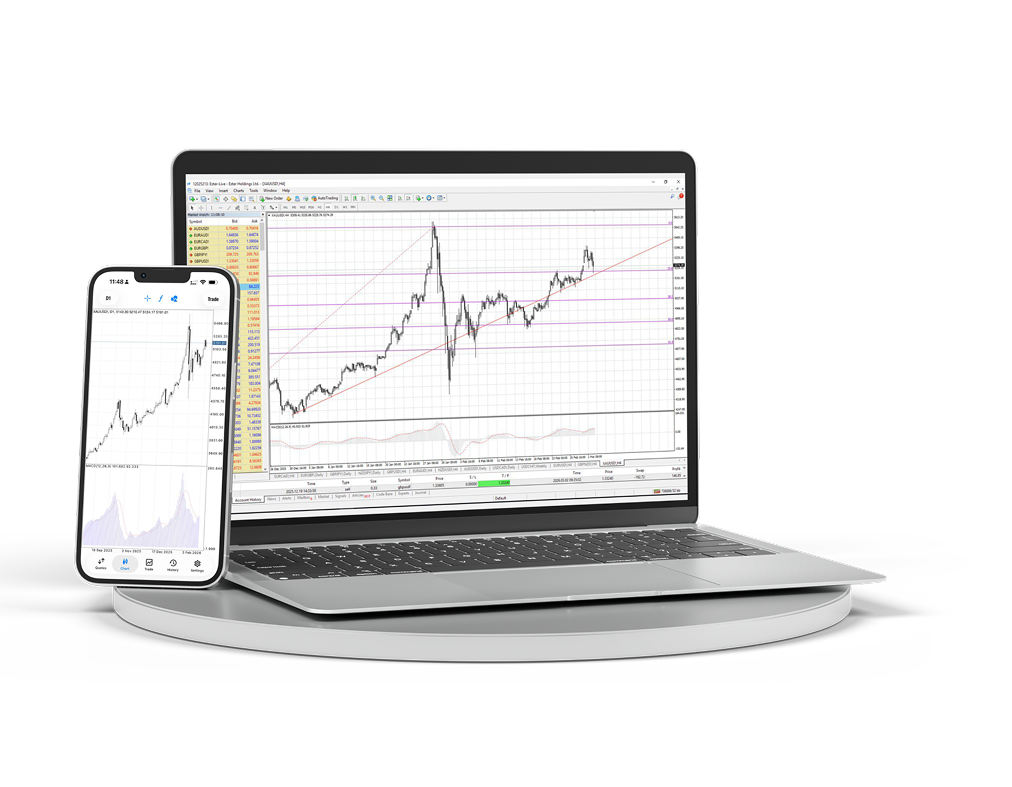
MT4 Desktop & Mobile
הורד את הטרמינל למחשב ולמובייל ונהל גרפים, פקודות וניתוחים מסביבת עבודה אחת.
- טרמינל Windows
- iOS ו-Android
- גרפים מתקדמים
- גישה מהירה לפקודות
- Expert Advisors
- גרפים חיים
סביבת עבודה מלאה של MetaTrader 4 במחשב שלך
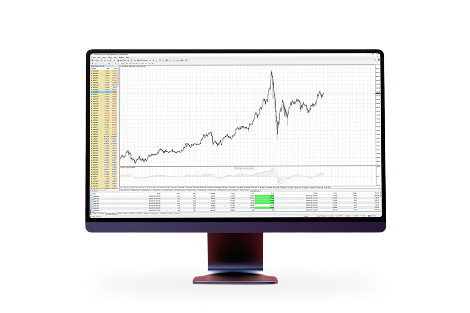
השתמש בגרפים מרובי חלונות, אינדיקטורים, יועצים וניהול פקודות מפורט כשאתה צריך עמדת מסחר מלאה.
גישה לשוק מכל מקום
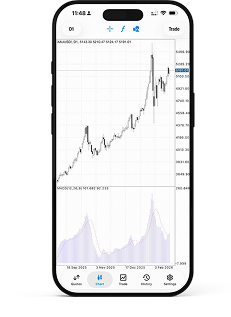
שמור פוזיציות, ציטוטים וגרפים בהישג יד והישאר מחובר לחשבון גם מחוץ לעמדת העבודה.
סביבת עבודה מוכרת למסחר פעיל
כי MetaTrader 4 הוא:MetaTrader 4 היא פלטפורמת המסחר הפופולרית ביותר בעולם. בזכות ניסיון רב שנים עם הפלטפורמה והשתתפות פעילה בפיתוחה, אנו מספקים תנאים רווחיים ונוחים.

ממשק פשוט וברור עם מגוון כלים לניתוח טכני

אפשרות לסחור מסמארטפונים, iPad ומכשירי PDA

שפת תכנות מובנית MQL4 ליצירת יועצי מסחר ואינדיקטורים משלך

גישה לנזילות בין-בנקאית בעזרת MT4 Bridge וביצוע ללא ציטוטים חוזרים (No Dealing Desk)
התקן את MetaTrader 4 ב-macOS
גרסת macOS מותקנת כמו יישום רגיל: הורד את הארכיון, פתח את חבילת ההתקנה והפעל את הטרמינל מתוך Applications.
הורד את חבילת MetaTrader 4 ל-macOS.
פתח את הארכיון שהורדת והפעל את חבילת ההתקנה.
עקוב אחר שלבי ההתקנה, ולאחר מכן העבר או הפעל את MetaTrader 4 מתוך Applications.
פתח את הטרמינל והתחבר לחשבון המסחר שלך ב-Ester Holdings.
